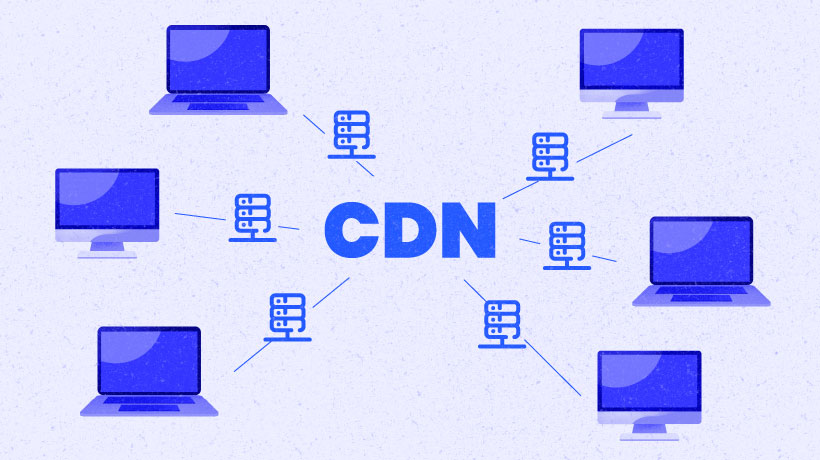
In the modern web, speed is everything. A delay of just a few seconds can cause users to abandon a website. When your users are distributed globally, serving content from a single server location (Origin) is no longer sufficient. This is where Content Delivery Networks (CDNs) come in.
A CDN is a geographically distributed group of servers that work together to provide fast delivery of Internet content.
How Does a CDN Work?
At its core, a CDN works by caching content at the network edge—servers that are physically closer to the user than the origin server.
The Journey of a Request
-
Without CDN:
- User in Tokyo requests a file from a server in New York.
- The request travels across the Pacific Ocean, through multiple routers.
- Latency: High (e.g., 200ms).
-
With CDN:
- User in Tokyo requests a file.
- The DNS resolves the request to the nearest CDN Edge Server (e.g., in Tokyo).
- If the file is cached, it’s served immediately.
- Latency: Low (e.g., 10ms).
Key Components
1. Origin Server
The “source of truth.” This is where your application lives and where the original version of your files is stored.
2. Edge Servers (PoPs)
Points of Presence (PoPs) are data centers located strategically around the globe. They store cached copies of your content.
3. DNS Routing
The “traffic cop.” When a user makes a request, the CDN’s DNS system determines the optimal edge server based on the user’s location and server load.
Caching Strategies
How does data get to the edge? There are two main strategies:
Push CDN
- How it works: You manually upload content to the CDN.
- Use Case: Large files that don’t change often (e.g., software installers, video catalogs).
- Pros: Content is always available at the edge.
- Cons: Higher maintenance; you must re-upload if content changes.
Pull CDN (Origin Pull)
- How it works: The CDN fetches content from the Origin only when a user requests it. It then caches it for future requests.
- Use Case: Web assets (images, CSS, JS) for dynamic sites.
- Pros: Low maintenance; automatic.
- Cons: The very first user (cache miss) experiences slower load time.
Benefits of Using a CDN
- Reduced Latency: By serving content from closer locations, the Round Trip Time (RTT) is drastically reduced.
- High Availability & Scalability: CDNs can handle massive traffic spikes (e.g., during a product launch) that would crash a single origin server.
- Security: CDNs often provide DDoS protection, Web Application Firewalls (WAF), and SSL/TLS termination.
- Bandwidth Savings: By offloading traffic to the CDN, you reduce the load and bandwidth costs on your origin server.
Real-World Example: Netflix Open Connect
Netflix uses its own custom CDN called Open Connect. Instead of relying on third-party CDNs, they install their own hardware appliances directly inside Internet Service Providers (ISPs) networks.
When you hit “Play” on a movie in London, you aren’t streaming from Netflix HQ in California. You are likely streaming from a box sitting in your local ISP’s building down the street. This is the ultimate edge computing!
Conclusion
For any application targeting a global audience, a CDN is not a luxury—it’s a necessity. Whether you are serving static assets for a React app or streaming 4K video, leveraging a CDN ensures your users get the fastest, most reliable experience possible.